> For the complete documentation index, see [llms.txt](https://faq.growsensor.co/llms.txt). Markdown versions of documentation pages are available by appending `.md` to page URLs; this page is available as [Markdown](https://faq.growsensor.co/getting-started/how-do-i-hang-my-grow-sensor-in-my-environment.md).
# How do I hang my Grow Sensor in my environment?
Proper placement of your GrowSensor is key to getting accurate and reliable readings. Follow these steps for the best setup:
### P**ositioning the sensor**
* **Hang it at canopy level** - Align the sensor's top with the tops of your plants for the most relevant environmental data.
* **Adjust as your plants grow** - Move the sensor up as your plants develop to maintain accuracy.
### A**voiding interference**
* **Keep it away from direct airflow** - Position it away from fans, vents, or extreme conditions that can distort temperature and humidity readings.
* **Centre it in your grow space** - If possible, hang the sensor directly below your lights rather than off to the side.
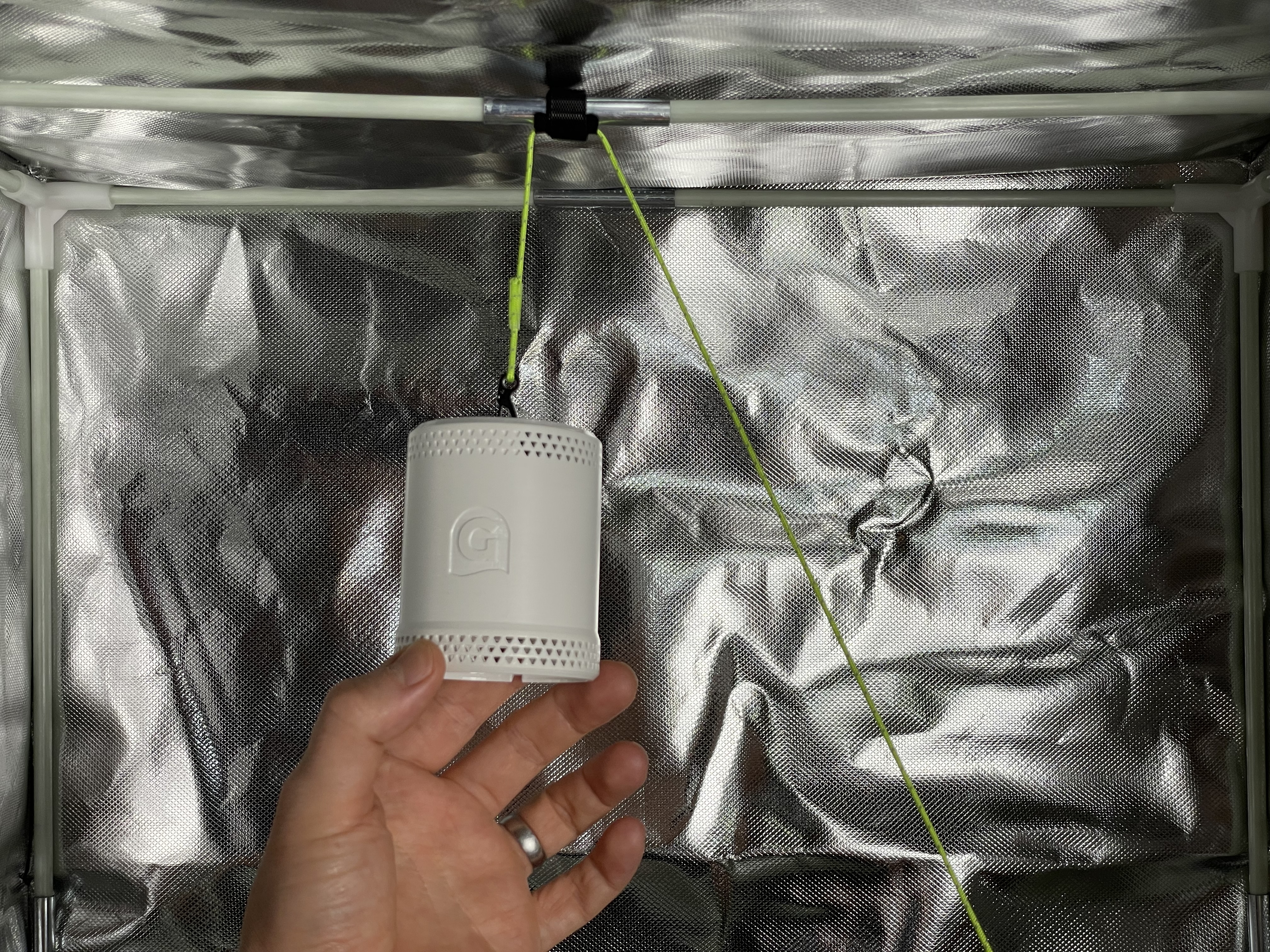
### M**ounting with the hanging cable**
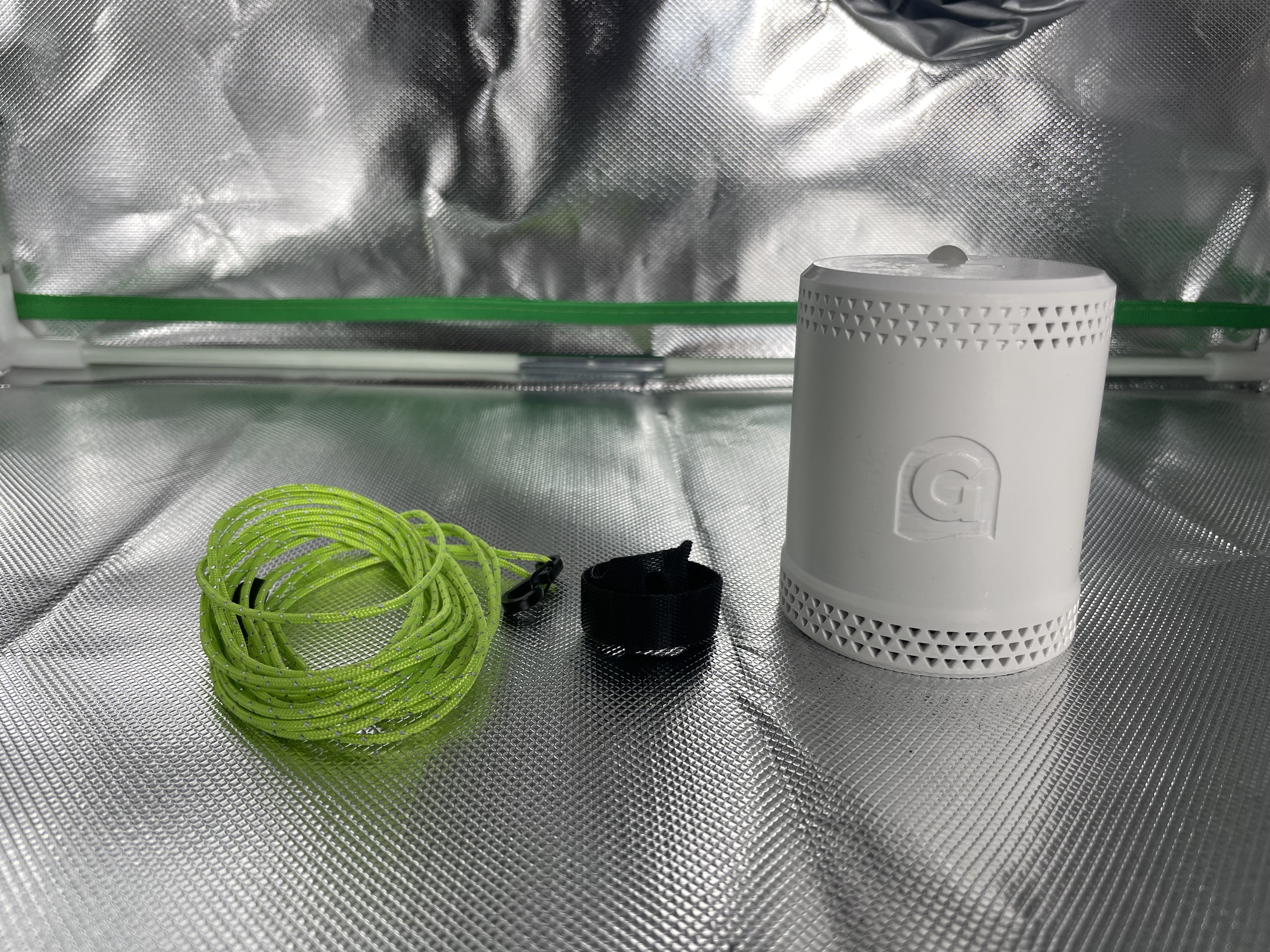
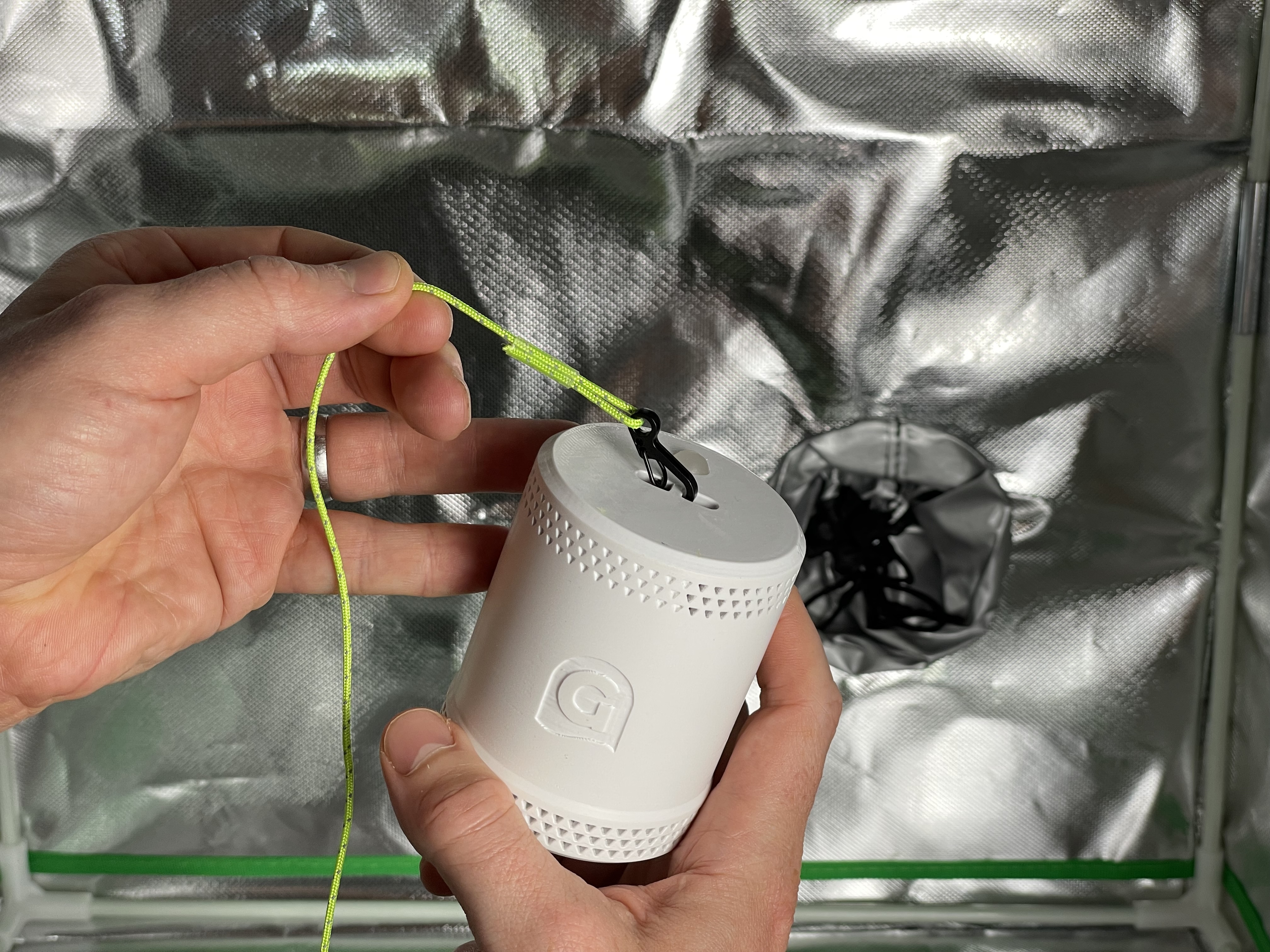
The Grow Sensor includes a simple and effective cable system for easy height adjustments:
{% stepper %}
{% step %}
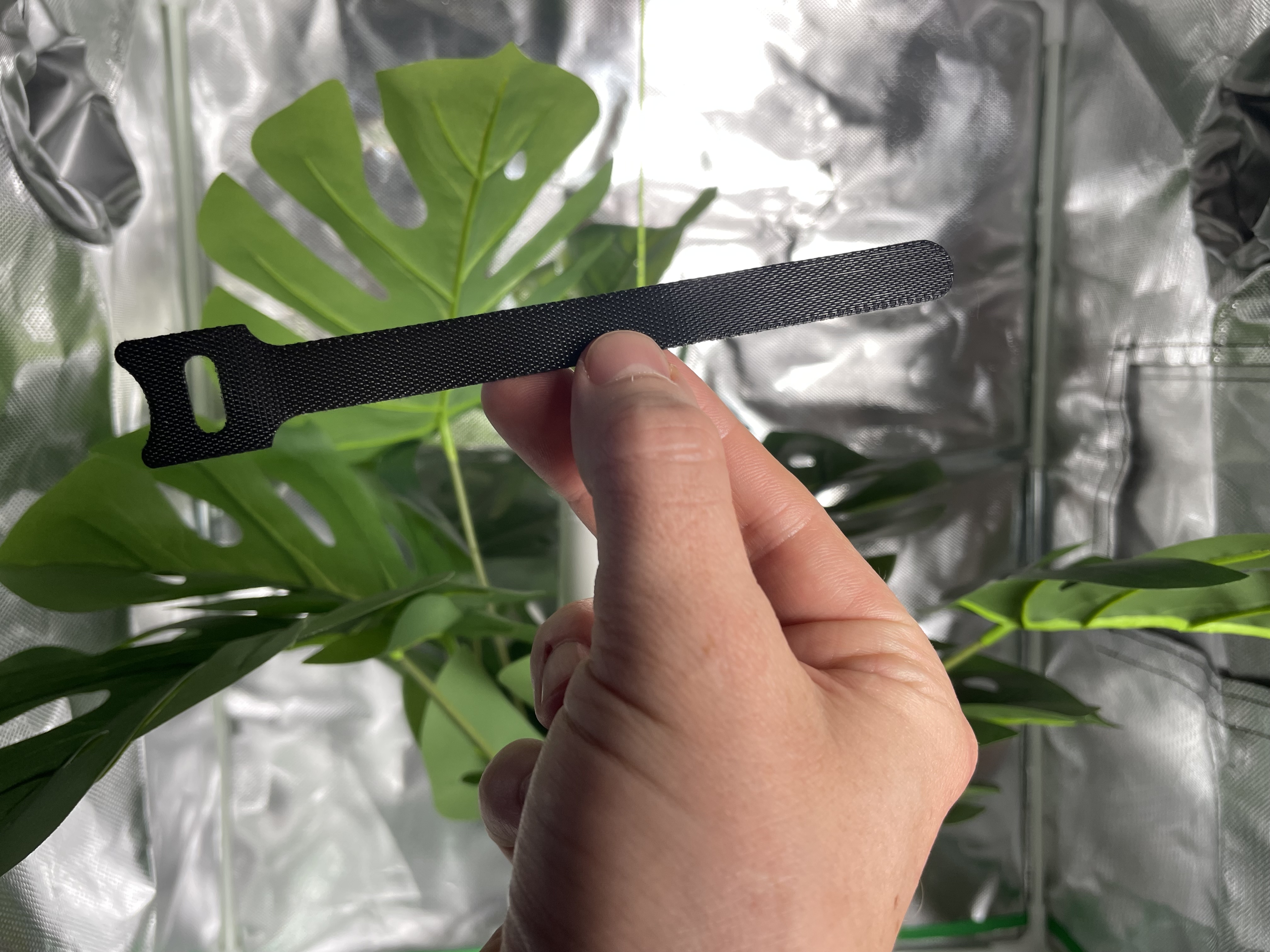
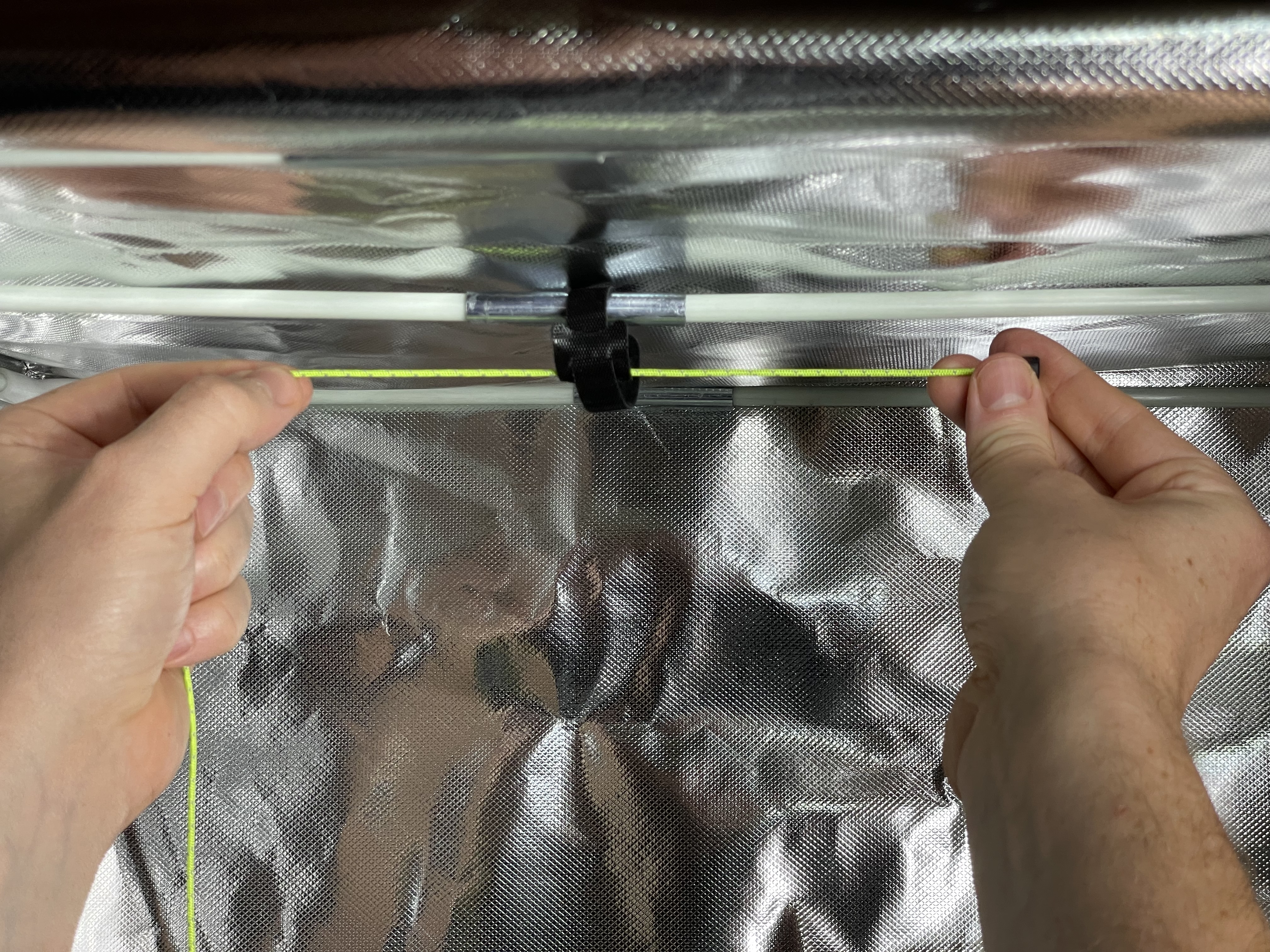
Secure the zip tie around the top of your frame or grow tent pole.
{% endstep %}
{% step %}
Thread the hanging cable through the zip tie and tighten it.
{% endstep %}
{% step %}
Keep the cable accessible so you can adjust it as needed.
{% endstep %}
{% step %}
Pull the cable end to raise the sensor as your plants grow - it will move with them.
{% endstep %}
{% step %}
At the end of your grow, lower and reposition the sensor at canopy height for your next cycle.
{% endstep %}
{% endstepper %}
### U**sing a tripod mount (Alternative option)**
The Grow Sensor also features a standard threaded tripod mount on the bottom of the unit. This is perfect for setups where hanging the sensor from a cable isn’t possible. Any standard tripod will work.
[For detailed instructions, check out our full guide here.](https://www.growsensor.co/post/measure-temperature-in-a-grow-room)
---
# Agent Instructions
This documentation is published with GitBook. GitBook is the documentation platform designed so that both humans and AI agents can read, navigate, and reason over technical content effectively. Learn more at gitbook.com.
## Querying This Documentation
If you need additional information that is not directly available in this page, you can query the documentation dynamically by asking a question.
Perform an HTTP GET request on the current page URL with the `ask` query parameter, and the optional `goal` query parameter:
```
GET https://faq.growsensor.co/getting-started/how-do-i-hang-my-grow-sensor-in-my-environment.md?ask=&goal=
```
`ask` is the immediate question: it should be specific, self-contained, and written in natural language.
`goal` is optional and describes the broader end goal you are ultimately trying to accomplish on behalf of the user. GitBook uses it to tailor the answer towards what is most useful for that goal.
The response will contain a direct answer to the question and relevant excerpts and sources from the documentation.
Use this mechanism when the answer is not explicitly present in the current page, you need clarification or additional context, or you want to retrieve related documentation sections.